

LCD Screen
September 2003
Page 1: Construction and Wiring
Page 2: Software and Screenshots
Software
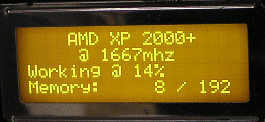
A ship is only as good as it's captian, a website is only as good as its webmaster and an LCD Screen is only as good as the software that runs it. There are many good LCD programs out there, but the greatest of them all is LCD Smartie. With LCD Smartie you can show a whole pile of system stats, temperatures (using motherboard monitor), network statistics, weather and even e-mail. It's very easy to setup and is extremely versatile.
LCD Smartie Screenshots
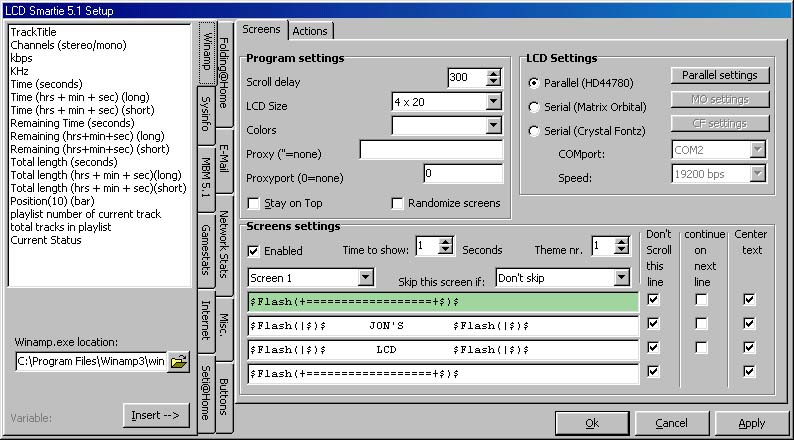 LCD Smartie Setup |
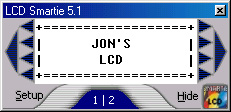 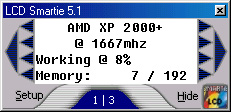 |
In LCD Smartie Setup you can setup up to 20 screens and have them displayed for as long as you want. It also has a neat preview so you can see what the screen will look like on the real LCD (see above).
The Display in Action
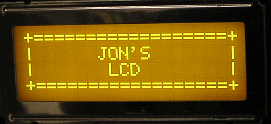
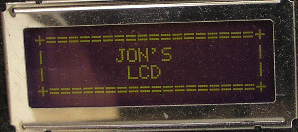
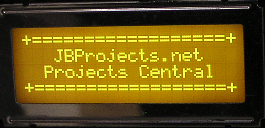
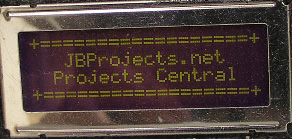
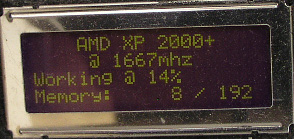
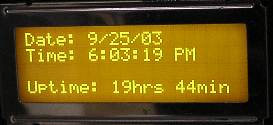
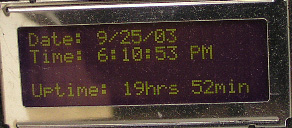
These are pictures of my actual LCD. I normally run it with the backlight on, but I've taken pictures of it on and off so you can see the difference. In my opinion, the projcet turned out great. I have the screen on almost all the time beside me at the computer. I'm very happy with it.
 |
 |
 |
 |
 |
 |
 |
 |
 |
 |
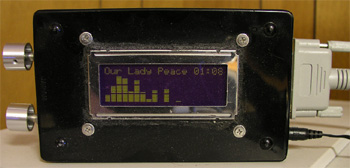
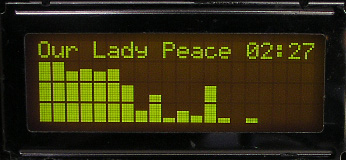
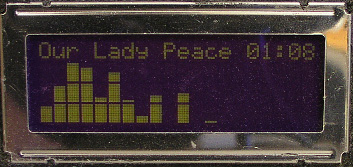
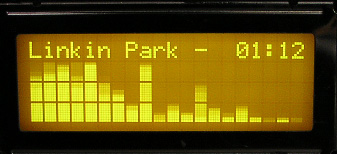
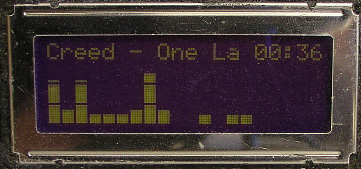
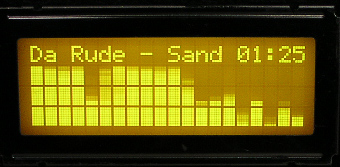
These Screenshots were all taken using LCD Smartie to run the LCD. When I was checking out LCD projects before I bought mine, I saw a Winamp Spectrum Analyzer running on an LCD and I knew I had to build one. Here's my own LCD running the Winamp Plugin. Also, the plugin can be configured to show a whole lot more things than I show in my screenshots.
 |
 |
 |
 |
 |
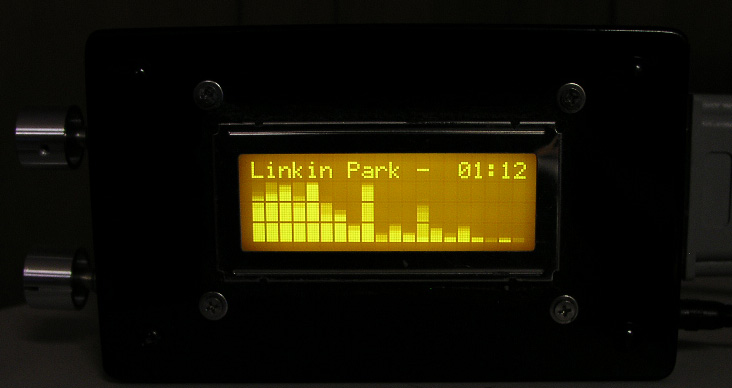 |
The analyzer bars fall up and down like in winamp. A still shot really doesn't give it the credit it deserves. The screen looks absolutely magnificent with the bars bouncin' to the music. I'm going to try to use our Olympus C-5050 digital camera to make a movie of it. It should be neat if I can figure out how to do it. You can adjust the brightness and contrast of the LCD so that you can get a mixed result, like the first Our Lady Peace picture.
This project took me a fair amount of time to get into it's final stage (in the box), but I had it hooked up and running long before it was in the box. If you're considering doing this project - go for it. It's fairly cheap, gives a great result and is pretty easy to do.
Project Costs
| Item: | Cost: |
| 4x20 backlit LCD Screen | 35.00 (including shipping, taxes) |
| Project Box | 8.00 |
| Silver Knobs | 2x3.00 = 6.00 |
| Variable Resistors | 2x3.00 = 6.00 |
| Black Silicon | 5.00 |
| Screws, Misc. | 3.00 |
| Total: | $63.00 |
Page 1: Construction and Wiring
Page 2: Software and Screenshots